Announcing Shave 1.1
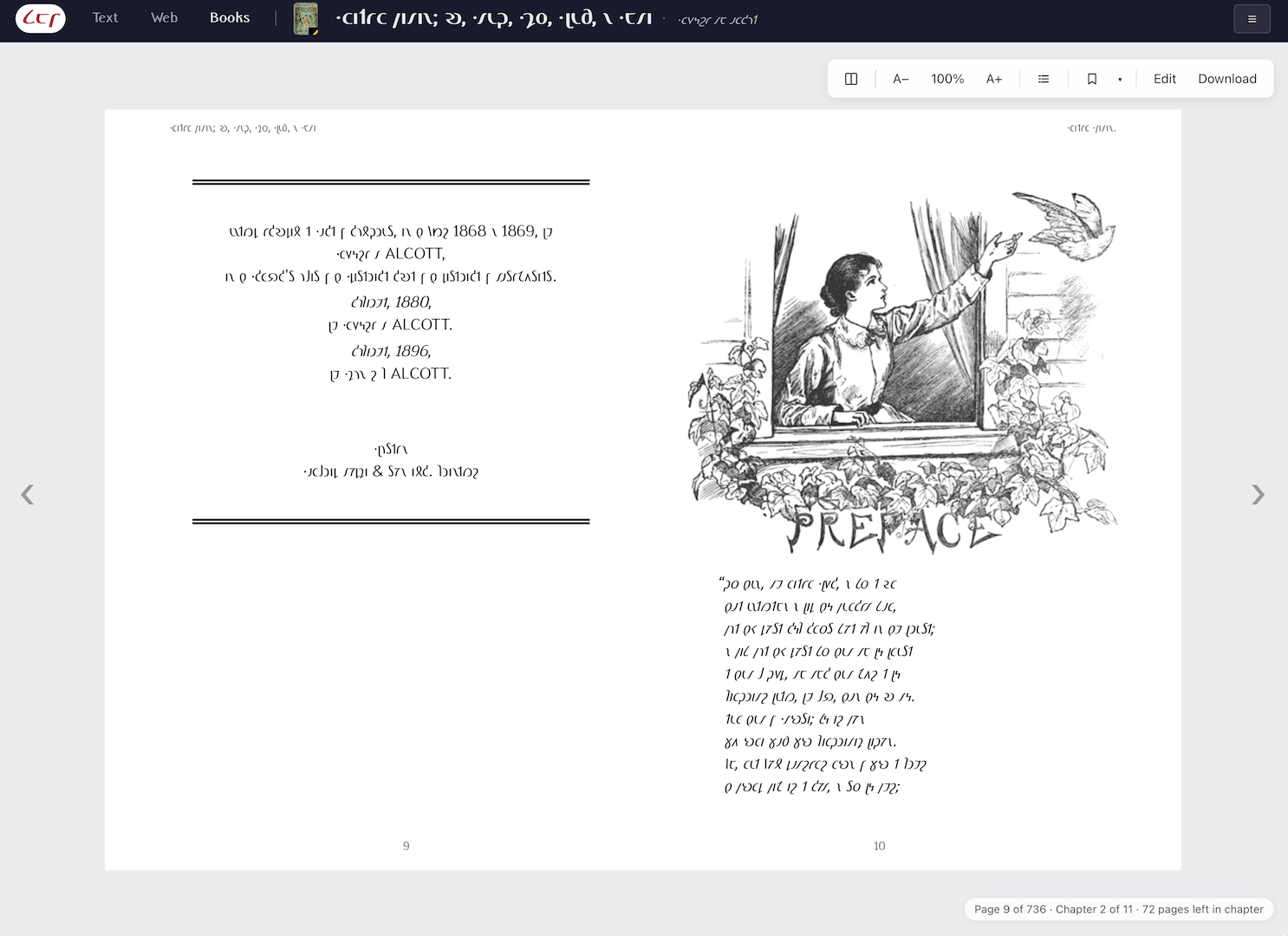
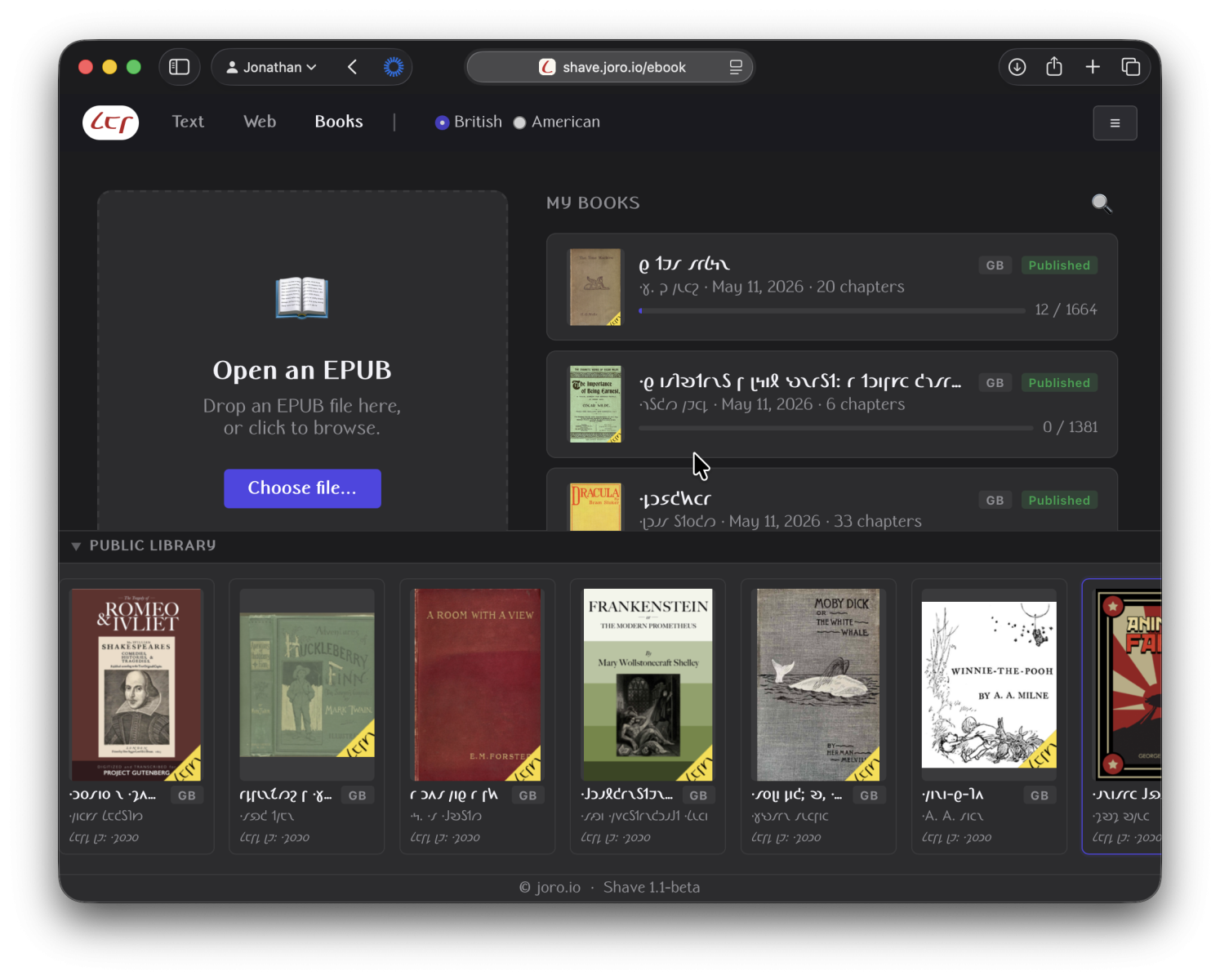
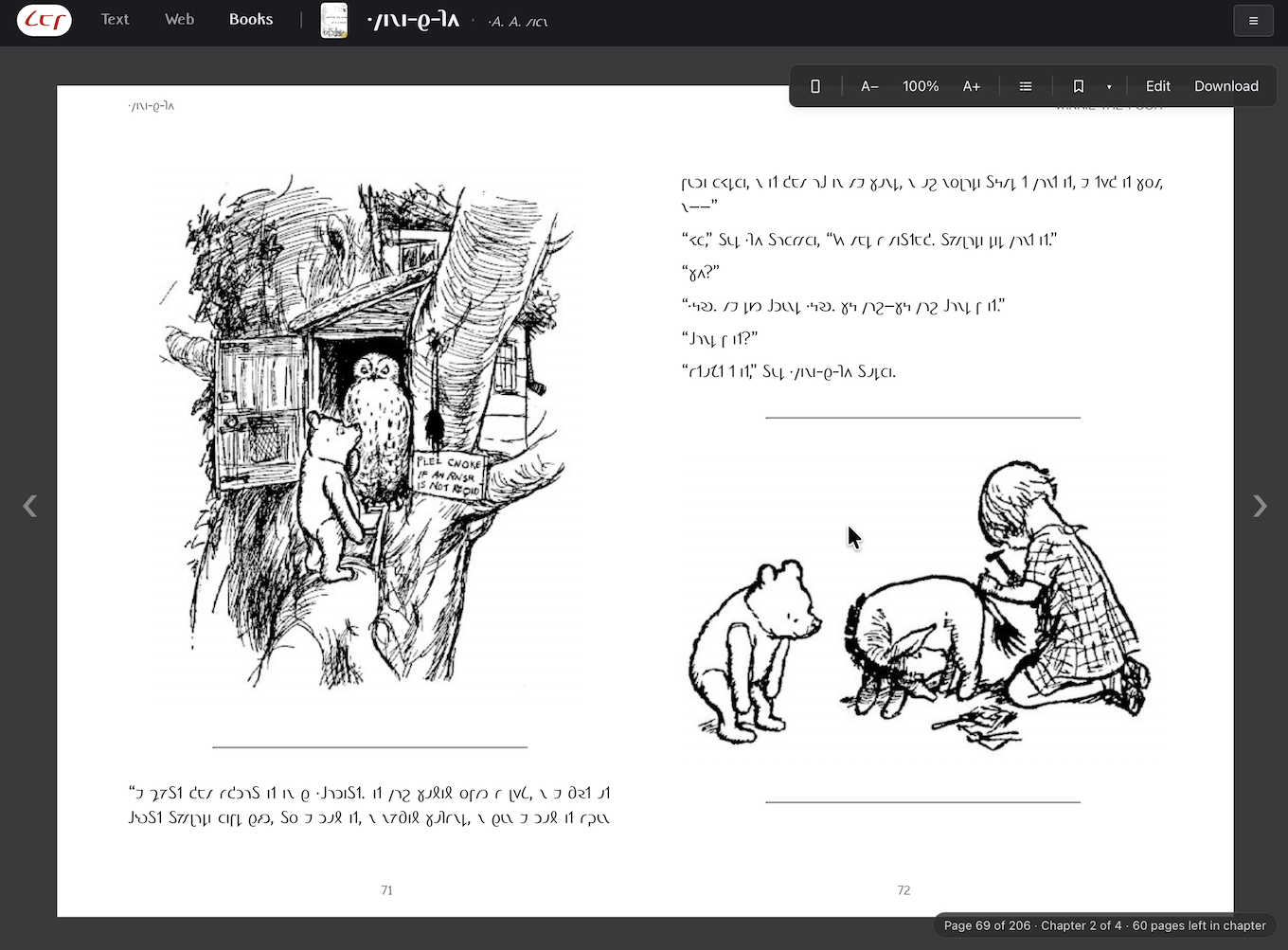
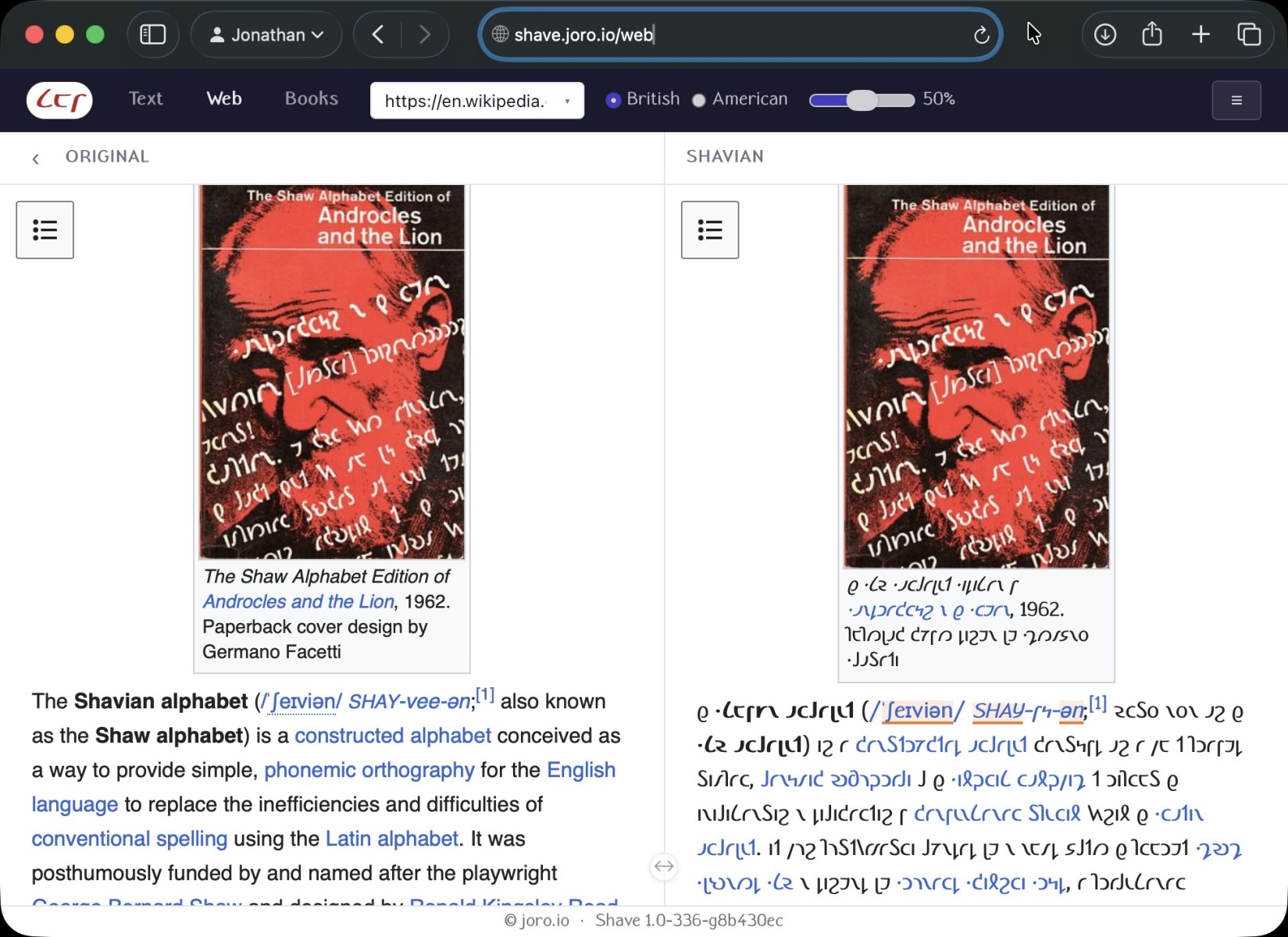
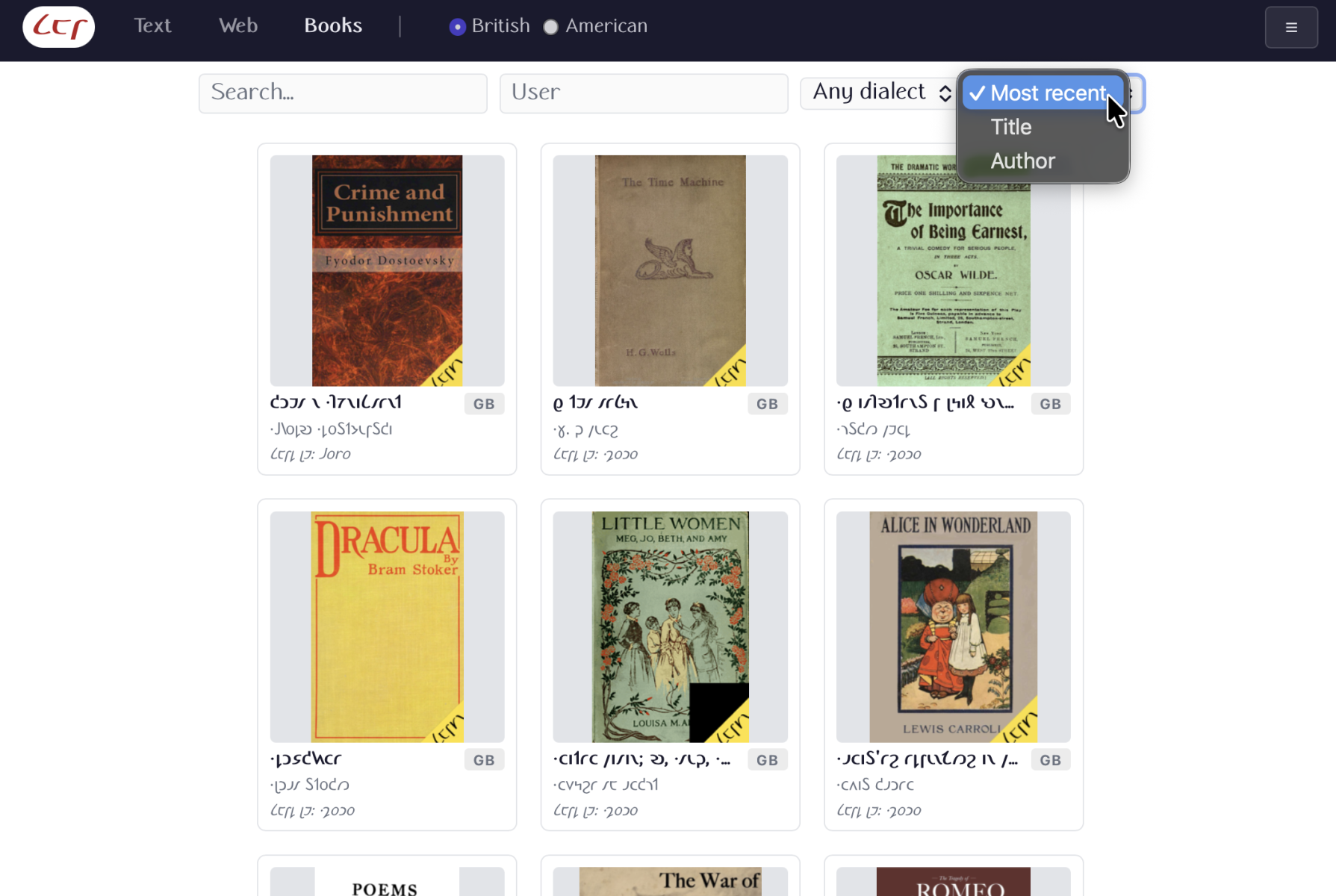
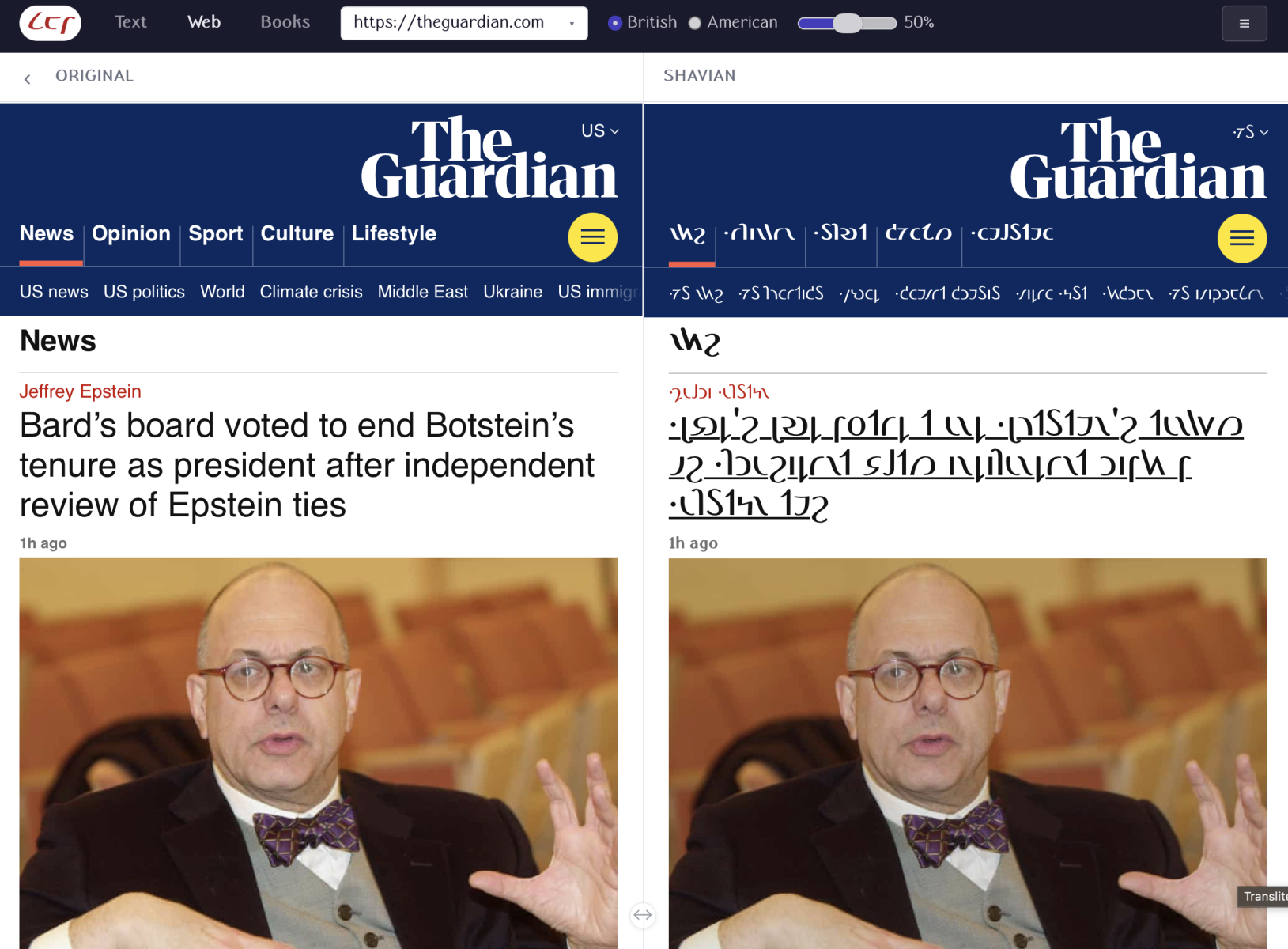
Shave 1.1 is out! A new version of the bidirectional Shave transliterator, with an all new E-Book reader, a Shavian web proxy, collaborative editing, support for Custom Fonts, and so much more.
A couple of weeks ago, I set out to build an online ebook converter around my Shave transliterator. My ambition was to make a tool suitable for collaborative editing, where users could upload any public domain EPub title, and work with peers to get the title proofread and publication worthy.
I shipped Shave 1.0 beta in on May 5th. I’ve been working hard to polishing and expand the tool’s capabilities since then. I am very proud to announce Shave 1.1, which brings a wealth of new capabilities.1
The most impactful changes are:
- The all new reader mode: you can preview and read the transliterated EPUB right there in the browser. It’s a fully functional EPUB reader.
- Collaborative editing has landed! Share a book with your friends or with other users of shave. You can share your books read-only or full edit access.
- You can upload custom fonts for your epub.
- Ability to edit your projects from multiple devices
To get all this new functionality, you need to make an account on shave.joro.io. This is mainly because I want our efforts not to get lost to the sands of time. By having proper accounts, you won’t lose all your work when your browser caches get wiped or you have to switch to a different machine. It also makes collaborative editing possible, in the sense that specific edits can now be attributed to specific users, and anonymous sabotage will not be possible.
The current collaborative editing model is fairly simple: your own book is editable by others, or it isn’t. You can edit a book with a select group of friends by sharing a link to it, or you can invite the whole community to help out by publishing your editable book.
Published books are visible to any logged in user. Admins (=I) can promote books to be viewable by anonymous users too, but they will not get editing rights.
The viewer works remarkably well; I was able to get one as functional as any other I’ve used within one or two days. I can warmly recommend using it for a nice and easy proof-reading / editing work flow; perhaps even as your main Shavian ebook reader.
As ever: please don’t be shy in giving me feedback on these tools! I can’t know what problems or missing functionality you encounter if you don’t tell me about it.
Have fun!
– Joro
- Shave 1.0 was released last week under the radar: it added a web browsing proxy to the Shave web app. ↩︎


Leave a Reply